

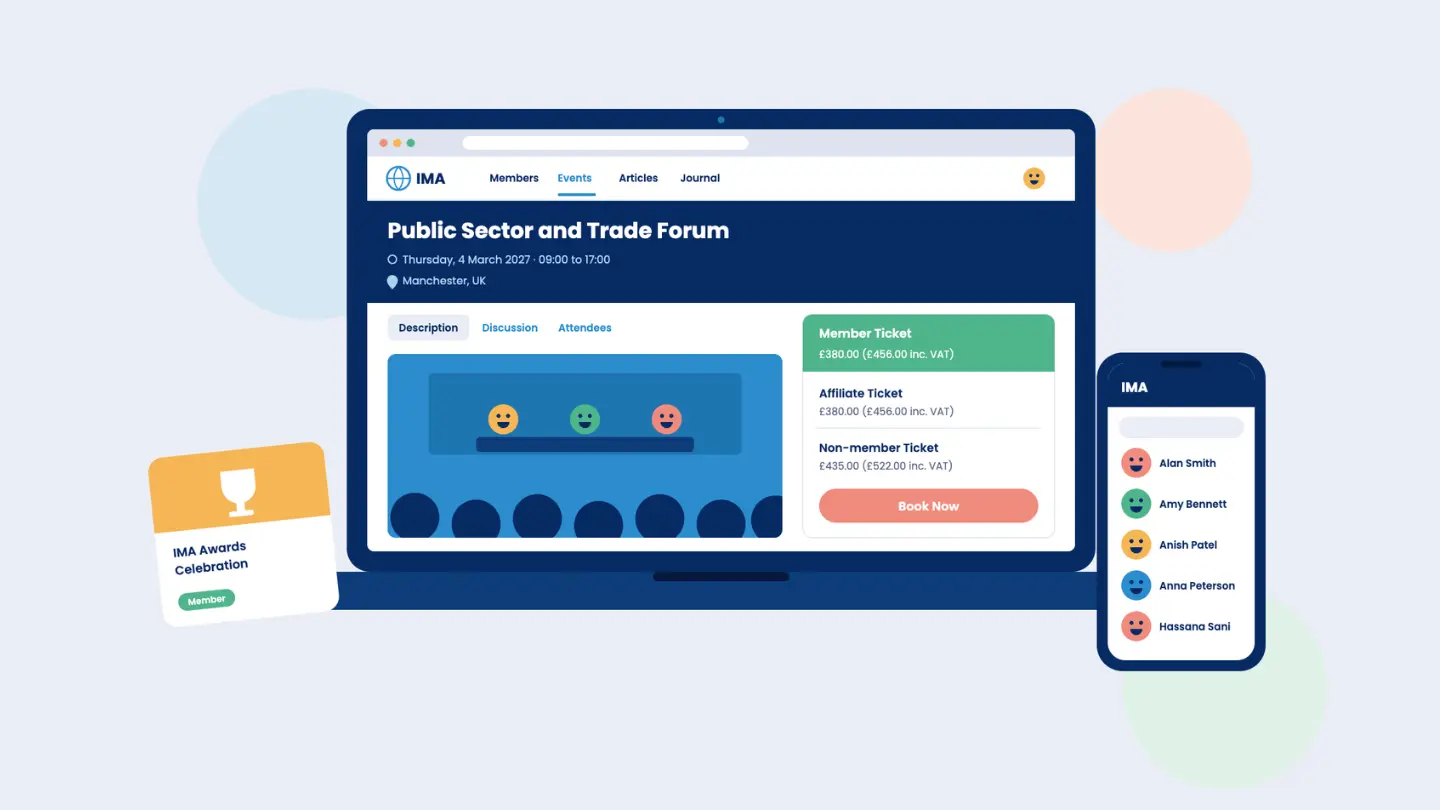
Updating a contact detail should be straightforward. So should renewing a membership, finding a useful resource or booking a place at an event. When these tasks require an email to your membership team, members have to wait and your staff have another request to process.
For membership organisations, a member portal can make those everyday interactions easier. But having a login area is only the starting point. Its value depends on what members can accomplish once they get inside, and how well those actions connect with the work happening behind the scenes.
Whether you’re introducing a portal or reviewing an existing one, start with the tasks your members need to complete and the support your team needs to provide.
What is a member portal?
A member portal is a secure online area where members access services, information and tools provided by a membership organisation. Depending on the organisation, members might use it to update their details, renew subscriptions, book events, access resources or connect with other members. It’s also often called a membership portal or members’ area.
Your public website helps people discover your organisation and understand the value of joining. The portal supports the ongoing membership experience, making benefits and services available after someone joins. The two should work together, with clear routes between public information and member access.
Make everyday membership tasks straightforward
Think about the requests your team handles repeatedly. Changes of address, questions about renewal dates and requests for copies of documents can all take time to resolve. A member self-service portal gives people a way to handle suitable tasks themselves, whenever they need to.
Useful self-service functions might include:
- Updating personal and professional details.
- Checking membership status and renewing.
- Managing payments and accessing invoices.
- Booking events and reviewing registrations.
- Finding membership documents and resources.
The important question is whether members can complete these tasks easily. Ask someone to work through a common journey, such as updating their employer or booking an event, and observe where they hesitate. That often tells you more than a feature list.
Self-service should also sit alongside accessible support. Members still need a clear way to contact your team when a question requires judgement or a situation does not fit the standard process. The aim is to free up staff time for those conversations.
Help members find and use their benefits
A portal can contain valuable information and still be frustrating to use. Members may struggle if resources are poorly labelled, event details are hard to find or everything appears equally prominent. Organising the experience around their needs makes your benefits easier to discover.
For a professional body, that might mean putting guidance and development opportunities within easy reach. A trade association might prioritise sector updates, working groups and practical resources. What deserves attention will depend on why people join and what they need throughout their membership.
Start with a few questions: what do members look for most often, what do they regularly ask your team to send, and which benefits are being overlooked? Use the answers to shape navigation and content priorities. A portal should help people reach something useful without needing to understand your internal structure.
Reflect the way your membership works
Membership organisations often serve several groups with different needs. Individual members, organisational contacts, committee members and volunteers may all require different information or access. Even within one membership category, people may participate in different activities.
Look for the ability to tailor access to relevant roles and groups. An organisational member may need several linked contacts, while a committee may need a shared space for documents and discussion. Your portal should support the arrangements that matter to your organisation without making the experience unnecessarily complicated.
Flexibility also means choosing what to offer. You may need a straightforward portal for renewals, events and resources, or a broader experience that includes directories, mentoring and discussion forums. Start with the features that serve a clear purpose for your members.
Connect the portal to your membership records
The experience members see is only part of the picture. Behind it, your team needs reliable information about membership status, payments, bookings and communications. How that information moves between the portal and your other systems deserves careful attention.
For example, if a member updates their employer in the portal, does that update the record your team uses? If they renew, is their membership status reflected correctly? If they book an event, can staff see that activity alongside their other interactions?
A portal connected to your membership CRM can reduce the need to copy information between systems and reconcile conflicting records. When comparing options, ask suppliers to demonstrate complete journeys, including what changes for staff after a member takes an action. This helps you assess the operational value alongside the member experience.
Give community features a clear purpose
Directories, forums and mentoring can help members build relationships and share knowledge. Their usefulness depends on whether they support something your community wants to do. A feature needs a reason for people to return to it.
A directory might help members find peers with relevant expertise. A discussion group could support an active committee or specialist interest, while mentoring could connect people seeking development with experienced members. Each has a different purpose and needs an appropriate level of support from your organisation.
Before introducing a community feature, decide who it’s for and how you’ll encourage participation. Consider who will maintain information, answer questions or moderate discussions where necessary. A focused, well-supported offer is easier to sustain.
Measure if the portal is helping
Login numbers provide some information, but they don’t explain the whole experience. A member who signs in occasionally and completes everything they need may be well served. Repeated visits could indicate interest, or difficulty finding something.
Review usage alongside practical outcomes. Are routine enquiries decreasing, are members completing key tasks, and which resources or activities attract participation? Combine reporting with member feedback to understand where improvements would help.
It’s also useful to ask your team what’s changed. If members can complete tasks independently but staff still need to correct records afterwards, there’s more work to do. The portal should improve the experience on both sides.
Choosing a member portal for your organisation
The right member portal should make membership easier to manage and easier to use. Start with your most common member journeys, decide which features support them, and check how the information connects with your wider operations. Those steps provide a practical basis for evaluating your options.
VeryConnect brings member portals together with CRM, payments, events, communications and community tools in a connected membership management platform. You can choose the features that fit your organisation and configure the experience around your members. Your team can manage the administration behind that experience alongside it.
Explore VeryConnect’s member portal software to see how it could support your organisation.